I’ve had clients call me years after I worked with them and say “Do you know what our password is to Mailchimp?” Or Paypal, or … They didn’t use a password manager; they knew they had shared access with me and had no idea where the person was now who had access for the company before this. This happens in very small and very large organizations.
It is a scenario that plays out in small businesses every single day. We rely on sticky notes, shared spreadsheets, or the incredibly dangerous method of emailing credentials to one another. We tell ourselves it is fine because we are small, but that mindset is exactly what makes us targets.
The High Cost of Weak Passwords
I’ll talk about the impact that password managers have on your business, but first you need to know the risk of weak passwords.
Operational Paralysis
When you get locked out of your systems, your business effectively freezes. Half of small businesses report that it takes 24 hours or longer just to get back online after an attack. That is a full day where you cannot ship products, you cannot answer support tickets, and your sales team cannot access their leads.
If you run an ecommerce site or a service agency, being dark for that long does not just annoy you; it signals to the market that you are not reliable.
Productivity Drain
We often ignore the small, daily friction of bad security habits, but they add up to a massive hidden tax on your team. It is estimated that a single employee spends about 11 hours every year just dealing with password resets and login issues. Productivity of your team matters more than we like to believe.
If you have a team of ten, you are losing over two weeks of productive work annually to something as trivial as forgotten credentials. A password manager eliminates this friction entirely, giving that time back to your business.
“Passwords suck up our time in one of two ways: either through recalling and entering them or spending time resetting them. Forrester’s researchers found that employees spend an average of 11 hours per year performing these two tasks.” – Forrester Research via Beyond Identity
Financial Ruin
It is easy to look at a cyber attack and think only of the immediate theft, but the real damage often comes from the cleanup. The cost is not just a ransom payment; it includes the expensive forensic teams you have to hire to find the hole, the legal fees to navigate compliance laws, and the fines regulators might hand down.
For a small business running on tight margins, that kind of unbudgeted expense can wipe out a year of profit in a single afternoon.
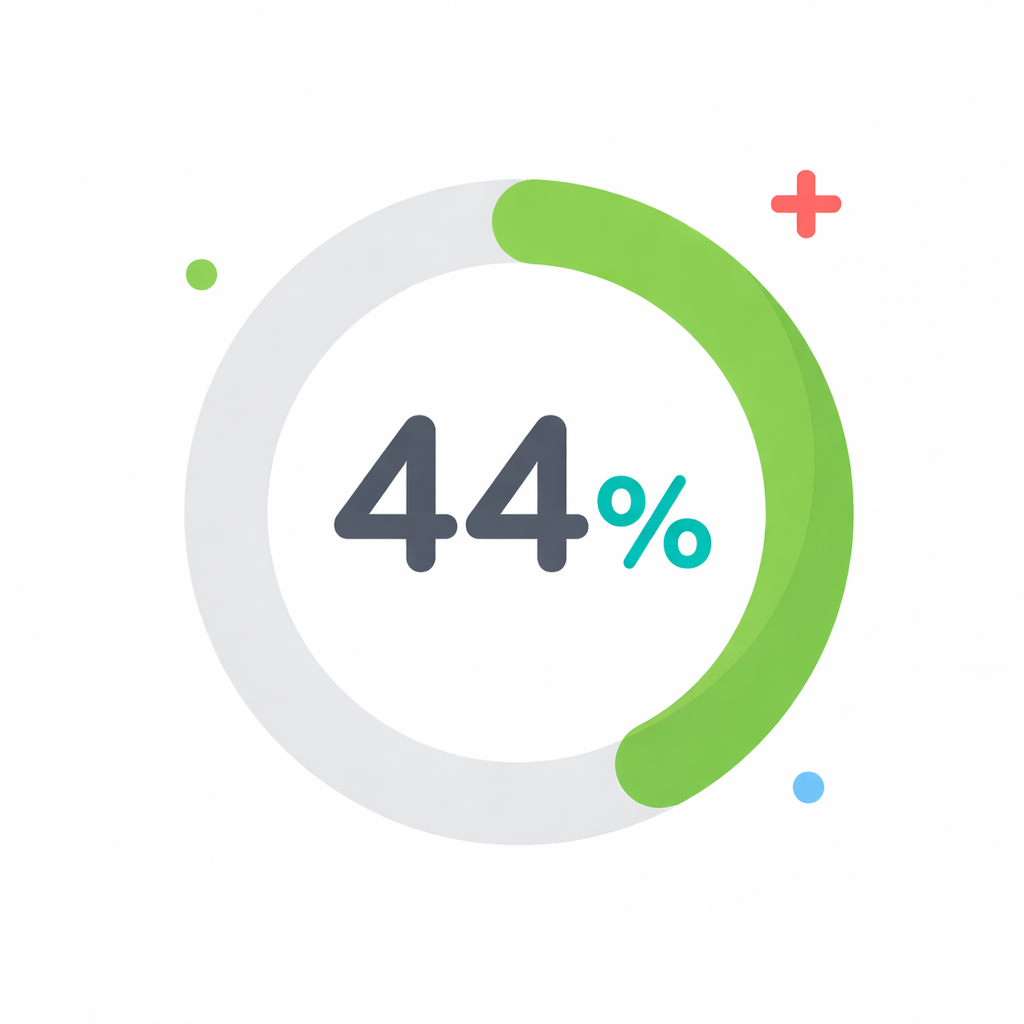
44% of all breaches analyzed showed ransomware was present, marking a notable rise from last year’s report. – Verizon Business 2025 Data Breach Investigations Report
Customer Trust
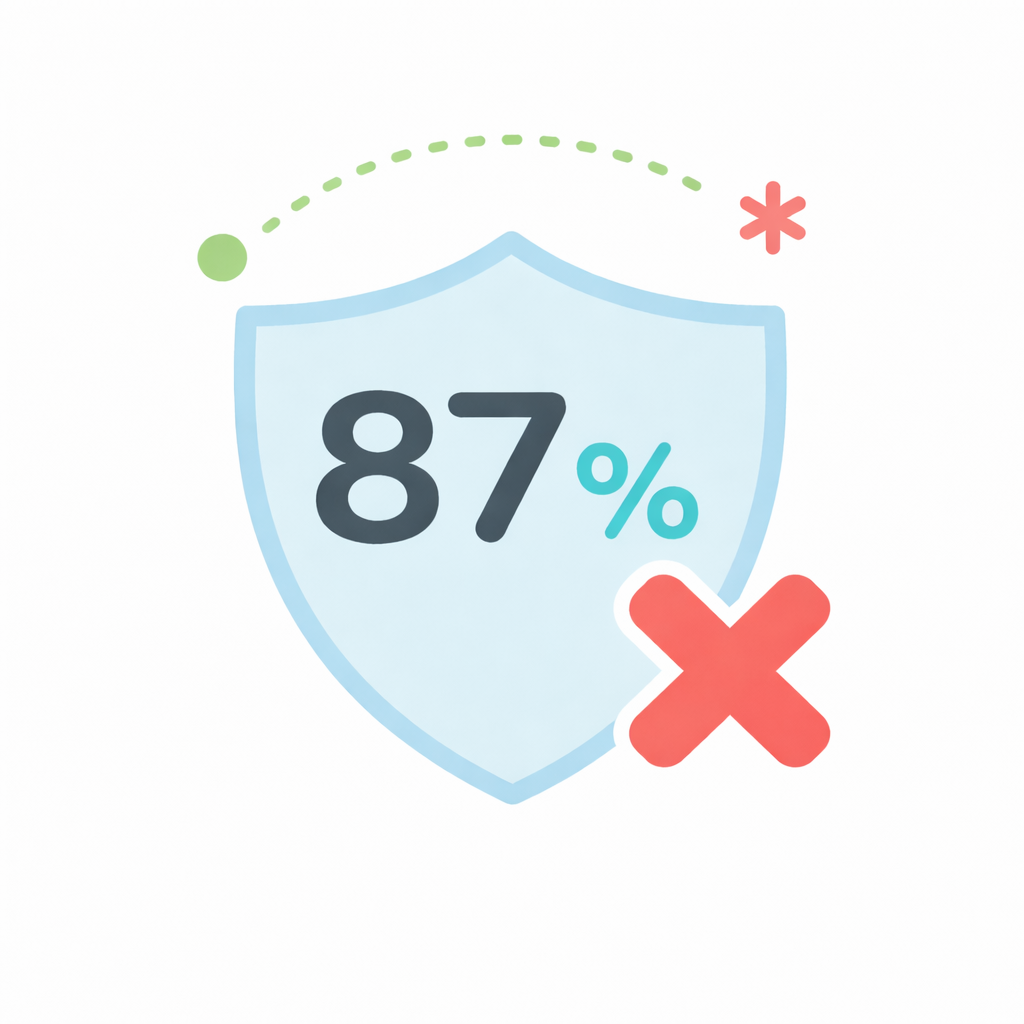
Your clients trust you with their data, and that trust is incredibly fragile. If trust is at the center of your business (is there a business where it isn’t?) you are at high risk of losing considerable business. You might be able to rebuild a server or restore a backup, but winning back a client who thinks you were careless with their information is a nearly impossible task.
87% of consumers say they will not do business with a company if they have concerns about its security practices. – McKinsey & Company, The consumer-data opportunity and the privacy imperative.
The Ultimate Price
The most terrifying statistic for any founder is the survival rate after a major incident. The reality is that many small businesses that suffer a significant cyber attack may feel that they need to close their doors within six months.
The combination of financial loss, operational downtime, and reputation damage creates a perfect storm that many simply cannot weather. This is why we argue that password management is not just an IT convenience; it is a fundamental survival strategy for your company.
55% of small business owners say they would have to close their business if a cyberattack cost them $50,000 or more. – VikingCloud Cyber Threat Landscape Report 2024/2025
For a small business, a breach is not just an IT headache; it is an existential threat. The average cost of a data breach for a small business can cripple operations, destroy reputation, and erode client trust that took years to build. The reality is that humans are terrible at creating random passwords. We crave patterns, and patterns are hackable.
How Password Managers Secure Your Business
A password manager solves the human problem by taking the thinking out of the equation. It generates complex, unique, and encrypted passwords for every single account you own. You only need to remember one strong master password, and the software handles the rest.
Eliminating the Human Error Factor
When you use a password manager, you stop reusing credentials across multiple sites. If one service gets breached, your bank account and email remain secure because they have unique keys. Modern managers also alert you if a password you use has appeared in a known data leak, allowing you to change it proactively before an attack happens.
Secure Sharing and Offboarding
The real power of a password manager for a team is safe collaboration. Instead of texting a password to a colleague, you can securely share access through the platform. The team member gets access to the tool they need without ever seeing the actual password.
When that employee leaves, you simply revoke their access in the dashboard. You do not need to scramble to change fifty different logins across the company. It is clean, professional, and secure.
Building a Holistic Security Stack
While a password manager is your first line of defense, it should not be your only one. Security is about layers. Once you have locked down your credentials, you need to think about where your actual data lives and how it is backed up.
For your most sensitive documents, relying on standard email attachments is a risk. A better approach is to use an end-to-end encrypted workspace. We recommend checking out Tresorit, which allows you to share files securely and maintain compliance with strict data regulations. It integrates seamlessly into workflows while ensuring that only authorized eyes see your files.
Back Up Your Data
Imagine if a ransomware attack locked not just your accounts but your data files too. Having a robust backup strategy is non-negotiable. Tools like ProBackup are vital for ensuring that your cloud app data is backed up and recoverable. It provides that essential insurance policy that lets you restore your business operations quickly if the worst happens.
Best of all, you don’t need a dedicated IT team to manage it. The setup is refreshingly simple, taking just minutes to authenticate your apps via a secure API connection. Once connected, it runs on autopilot, performing daily, encrypted backups without any manual input. This “set it and forget it” simplicity ensures you always have a granular restore point, allowing you to recover a single lost file or an entire corrupted project board with just a few clicks.
Check their site for the full list of apps, but consider what you lose is some of these popular apps are hacked:
- Airtable: You risk losing the custom relational databases that power your entire operations, from client CRMs to dynamic inventory trackers.
- Asana: You risk deleting the central nervous system of your projects, leaving your team without deadlines, assignments, or historical context.
- ClickUp: You risk wiping out your team’s task hierarchies and document repositories, creating immediate chaos in your daily workflow.
- Google Workspace: You risk losing years of emails, contracts, and spreadsheets that form the legal and operational backbone of your company.
- HubSpot: You risk vanishing your entire sales pipeline and customer contact history, effectively resetting your business relationships to zero.
- Jira: You risk losing your entire product development history, including critical bug reports, feature specifications, and release roadmaps.
- Miro: You risk erasing the collaborative whiteboards that hold your product strategies, brainstorming sessions, and user journey maps.
- Monday.com: You risk locking yourself out of the visual project boards that keep your team aligned, accountable, and on schedule.
- Notion: You risk losing your company’s “second brain,” including all your standard operating procedures, wikis, and shared project notes.
- QuickBooks: You risk destroying your financial history, invoices, and tax records, making a future audit a potential nightmare.
- Slack: You risk losing the searchable archive of every decision, file share, and conversation your team has ever had.
- Smartsheet: You risk corrupting the complex project grids and automated workflows that your operations rely on for efficiency.
- Trello: You risk deleting the visual Kanban boards that tell you exactly what is being worked on and who is responsible for it.
Setting Up a Password Manager for Your Small Business
Security is not a product you buy; it is a process you follow. Implementing a password manager is the single most effective step you can take to harden your business against cyber threats. It improves productivity, secures your assets, and gives you the peace of mind to focus on what you do best, growing your business. Do not wait for a breach to teach you this lesson. Start today.
When it comes to selecting a tool for your team, there are three tools I looked at for my small business. 1Password, LastPass, and Keeper
Each of the three offers solutions tailored for small business needs.
- 1Password is often favored by creative agencies and developers for its sleek interface and Watchtower security alerts that flag vulnerable accounts immediately.
- LastPass remains a popular choice for its intuitive sharing features which allow you to grant temporary access to contractors without revealing the underlying credentials.
- For businesses in highly regulated industries, Keeper often stands out with its granular permission settings and strict zero-knowledge architecture.
Whichever you choose, the critical feature to look for is a centralized admin dashboard that allows you to enforce security policies and instantly offboard employees when they leave.
Setting Up Two Factor Authentication
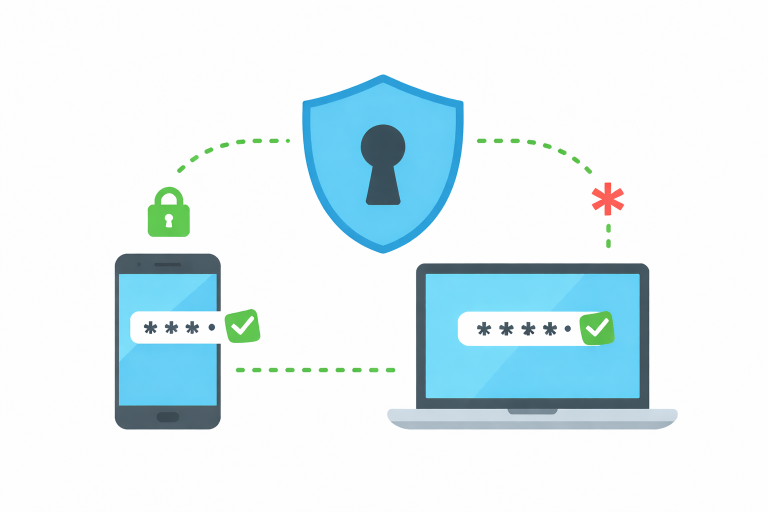
To truly lock down your accounts, you need to enable Two-Factor Authentication, or 2FA, wherever possible. This simple step adds a second layer of defense by requiring something you have, your phone, in addition to something you know, your password.
We recommend starting with Google Authenticator; a free app that generates a temporary, six-digit code on your smartphone that refreshes every thirty seconds. Unlike codes sent via text message, these app-based codes are generated locally on your device, making them immune to SIM-swapping attacks where hackers hijack your phone number.
The beauty of an app like Google Authenticator (Play Store and App Store) is that it democratizes enterprise-grade security for zero cost. Setting it up usually involves nothing more than scanning a QR code on your screen with your phone’s camera. Once active, a cybercriminal could have your username and your password; but without your physical device in their hand, they still cannot access your data. It is a minor friction point; taking an extra five seconds to type in a code; that provides a massive return on investment for your peace of mind.